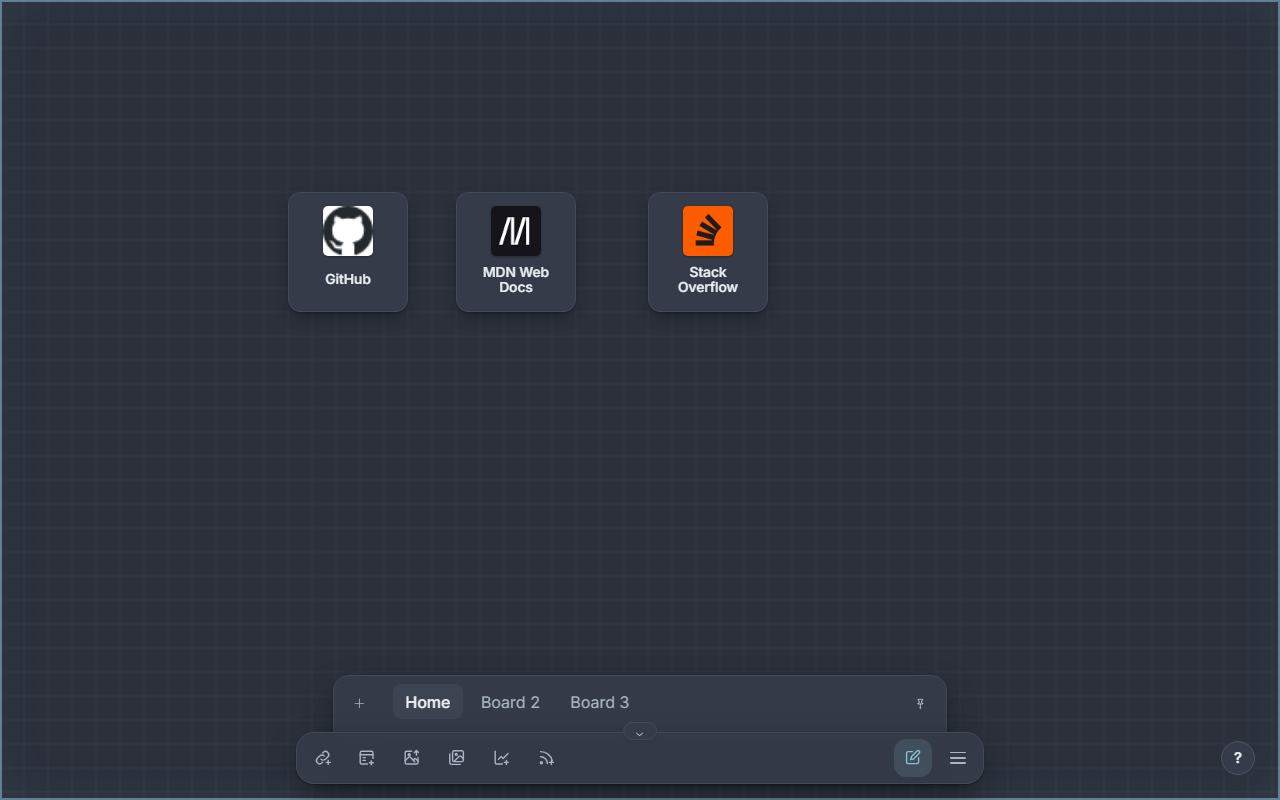
Menu and settings
Open the menu with ☰ in the taskbar. It has five tabs.
Options
| Section | Settings |
|---|---|
| Appearance | Color mode (light/dark), card effects (experimental, Chromium only) |
| Links | Open links in a new tab, favicons offline-only (no Google fallback) |
| New nodes | Size, corner radius, transparency, shadow, title/image, fill and border |
New nodes only affects nodes you create afterwards. Reset restores the options; your saved color presets are kept.
Themes
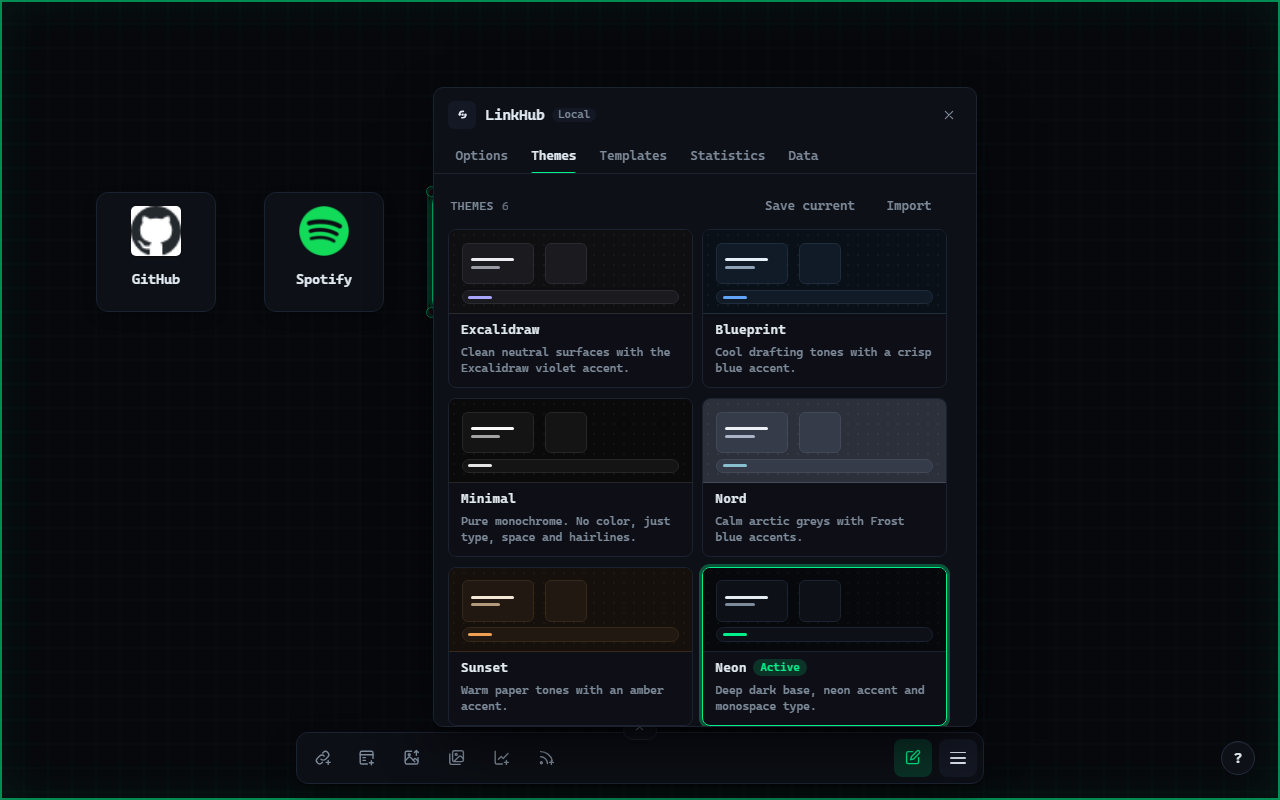
Six built-in themes, each with a light and a dark variant: Excalidraw, Blueprint, Minimal, Nord, Sunset and Neon. Each tile shows a small preview of the canvas in that theme.
- Save current stores the active look as your own theme.
- Import reads a
.linkhub-theme.jsonfile. Your own themes can be exported and deleted. - Customize opens the token editor: every color, radius and the font, separately for light and dark.
Templates
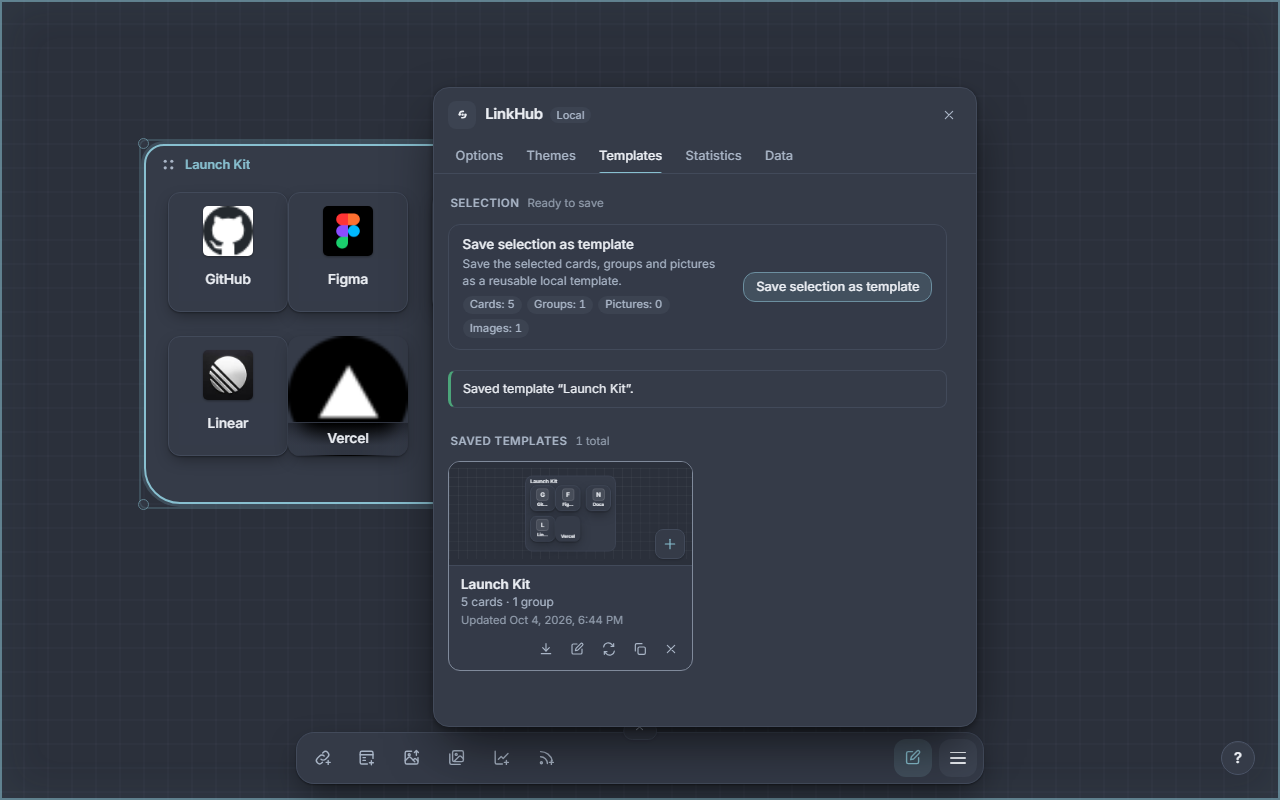
Select nodes on the canvas, then Save selection as template. A template keeps cards, groups, pictures, charts and feeds with their layout and images, plus a preview.
On a template tile: Insert (on the preview) places it near the center of
the view. The icons below download it as .template.json, edit its name and
description, replace its content with the current selection, duplicate or
delete it.
Statistics
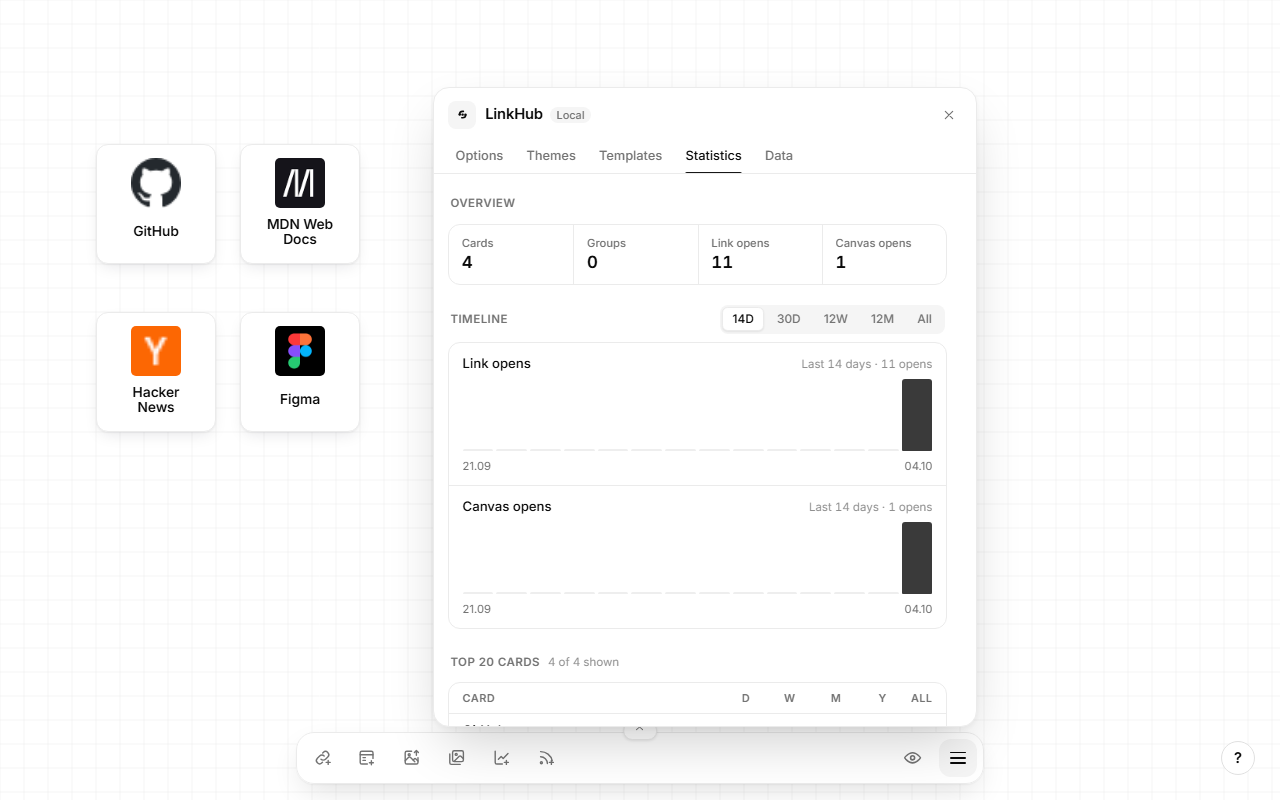
Computed on your device from the active board:
- Overview: cards, groups, link opens, canvas opens.
- Timeline: link opens and canvas opens for 14 days, 30 days, 12 weeks, 12 months or all time.
- Top 20 cards: opens per card for day, week, month, year and all time.
- Storage: size of the board, the local library (templates, gallery, themes) and the browser quota.
Data
- Manage workspaces: rename, reorder and delete boards (edit mode).
- Backup: export the board with the image gallery, templates and themes
as one
.linkhub.zip; import a bundle as a new workspace or to replace the current one. See Storage. - Maintenance: Check Links sends a
HEADrequest to every card URL and marks cards whose site does not answer within 5 seconds.
Workspaces
The workspace rail above the taskbar lists your boards. Select + to add one, and the pin to keep the rail open.